

Products Overview
The Products page, product types, and how products connect to pricing.
Products define what you sell. Every price on a plan or contract points to a product, so create your products before you build pricing.
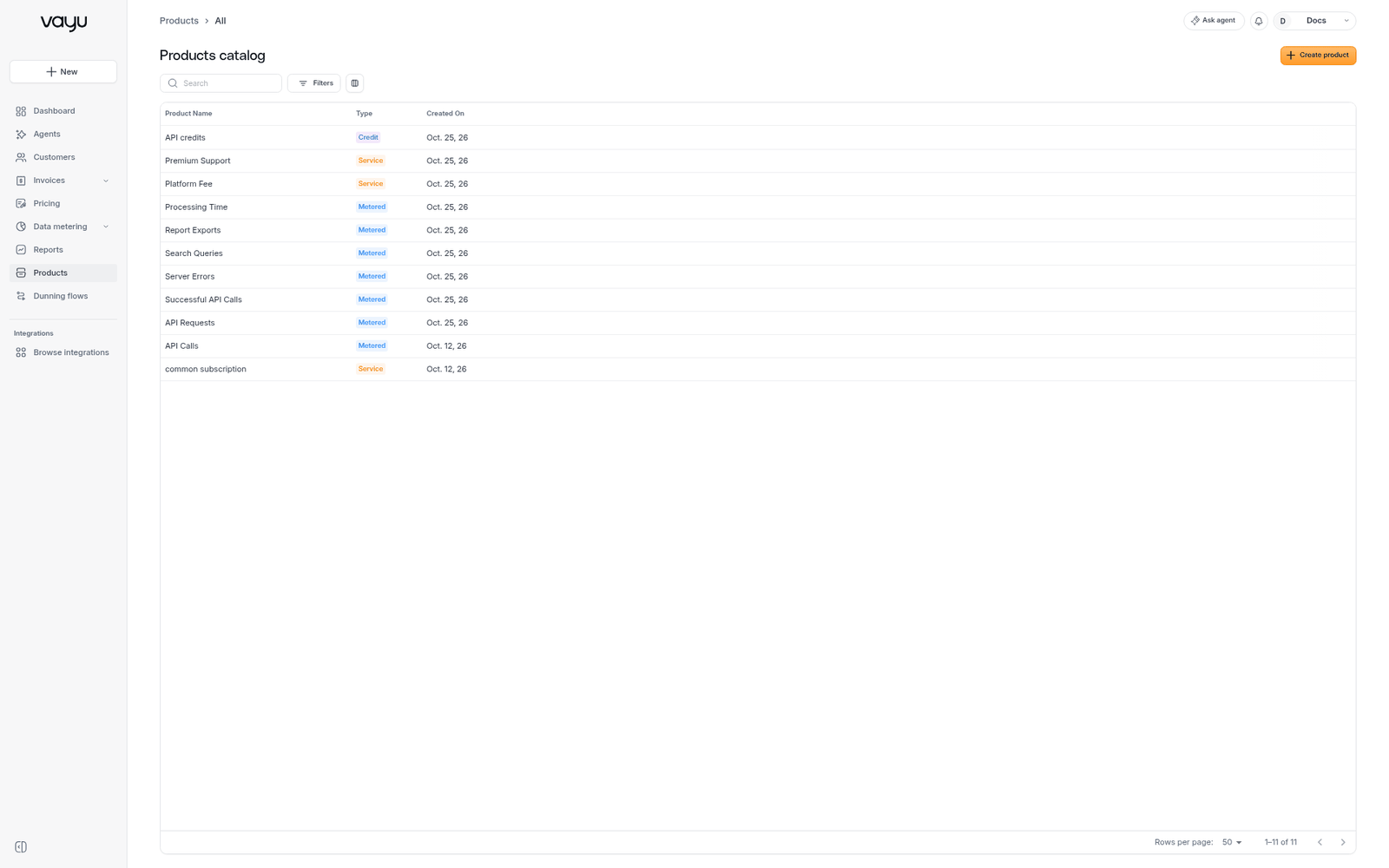
Open Products in the sidebar to see your Products catalog.
Product Types
| Type | Use it for | How it's billed |
|---|---|---|
| Metered product | Usage such as API calls, transactions, storage, or data volume | From the events your customers generate |
| Standard or service product | Subscriptions, licenses, setup fees, and services | Fixed fees |
| Credit product | Prepaid credits | Applied to usage within a contract |
The Products Page
The toolbar has:
- Search: find a product by name.
- Filters: filter the list by Type.
- Column settings: choose which columns the table shows.
- Create product: opens the Create new product window, where you choose a product type.
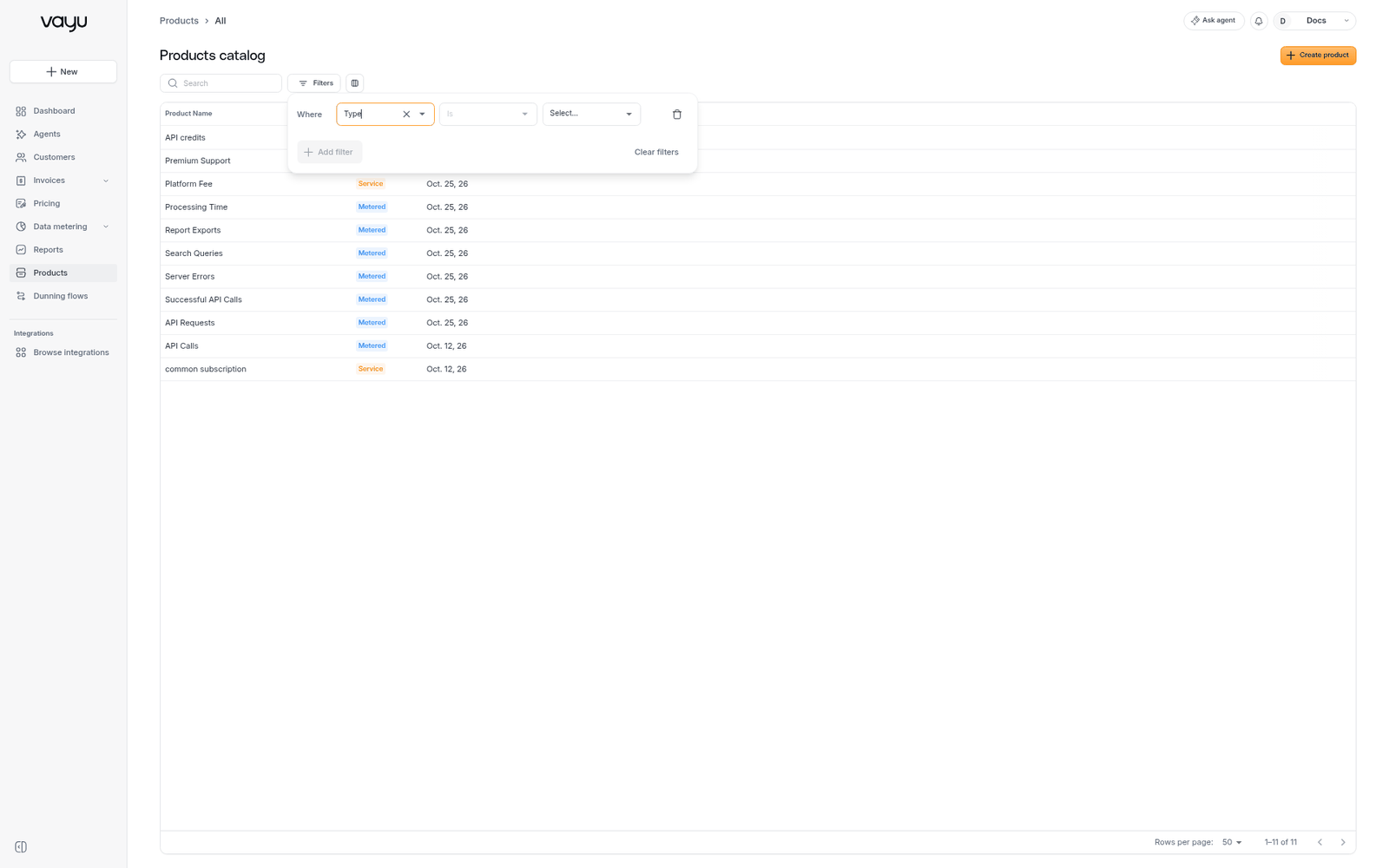
The table shows Product name, Type, and Created on.
Preview a Product
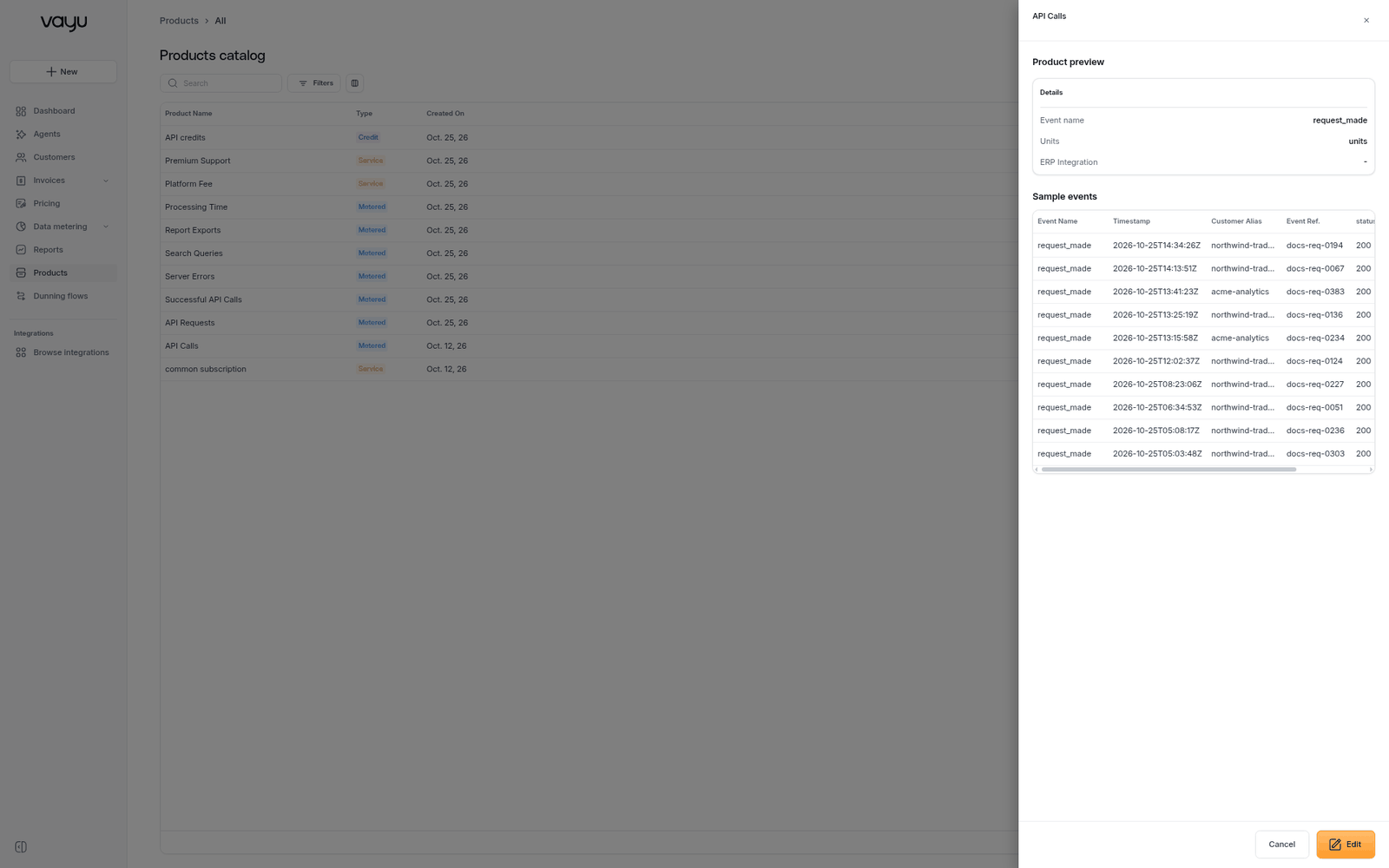
Click a product to open the Product preview drawer. For a metered product it shows the Event name, Units, and ERP Integration, plus Sample events with each event's timestamp, customer alias, and ref. Click Edit to change the product.
Edit or Delete a Product
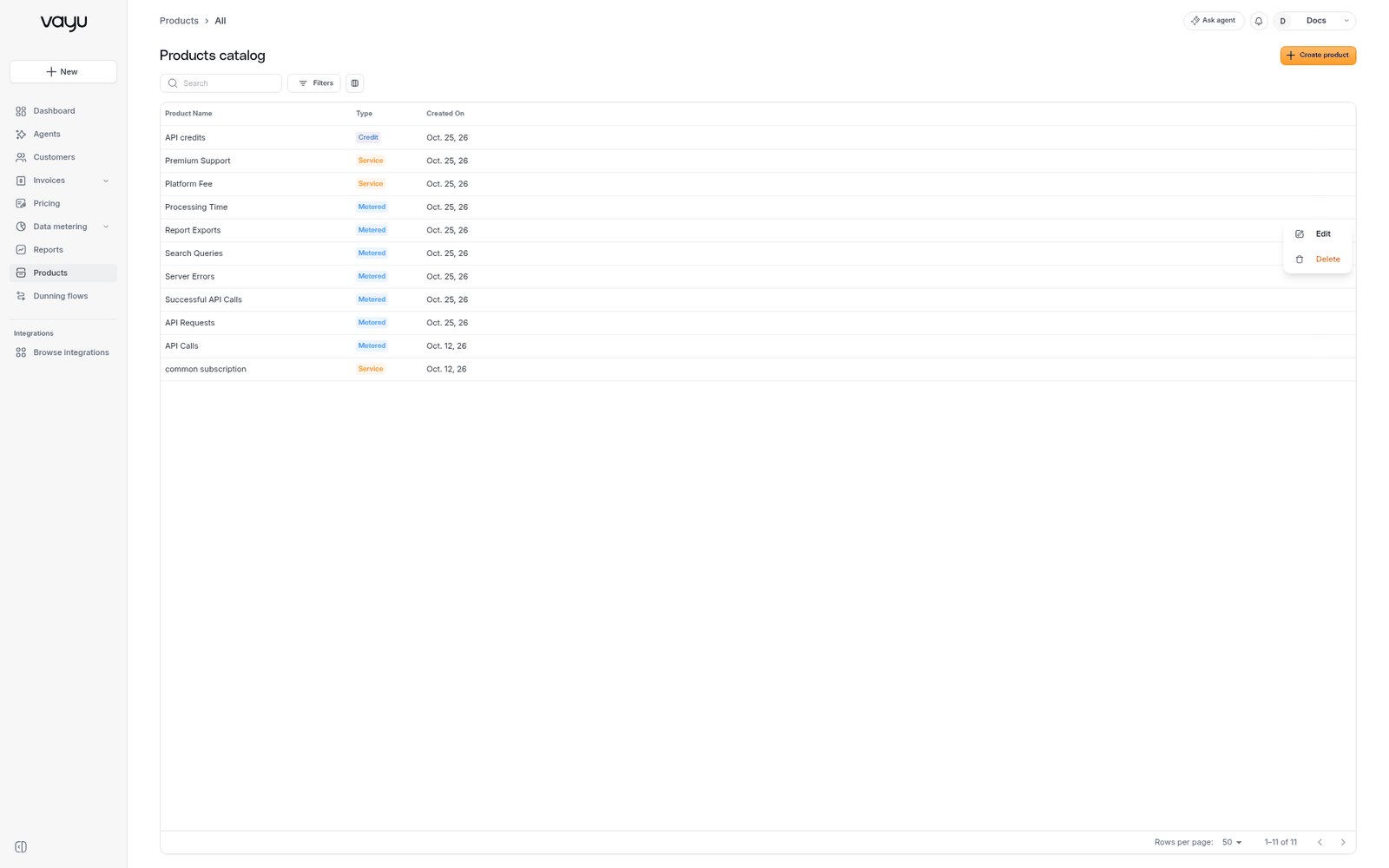
Use the row menu to Edit or Delete a product. Deleting a metered product is final and can't be undone. A credit product that's in use can't be deleted.
Catalog Products in the API
In the API, a contract product references a catalog product through catalogProductId. Usage-based pricing models (PER_UNIT and TIERED) require it, because usage metering is anchored to a metered product. Catalog products can also carry an optional externalId for mapping to ERP, CRM, or accounting records. Use one consistent format for it.