

Related Entities
Create a hierarchy between entities and associate child entities
It is possible to create a hierarchy between entities and associate "child" entities with a parent account. This provides a high level of customization for how usage, pricing, and invoicing flow between related entities — from keeping every entity fully separate, to combining usage or charges, to billing everything through the parent.
Relationship Types
Each relationship type controls how the child's usage, pricing, and invoicing relate to the parent — choose the one that matches how you want the accounts billed.
| Relationship Type | Usage | Pricing | Invoice |
|---|---|---|---|
| Aggregate usage | Aggregated with the parent's usage | Priced using the parent's contract | Parent receives and pays |
| Aggregate charges | Calculated separately, per entity | Each entity priced by its own contract | Child's charges are added to the parent's invoice; parent pays |
| Bill to Parent | Calculated separately, for the child only | Priced by the child's own contract | Child's invoice is billed to the parent; parent pays |
Aggregate usage: The child's and parent's usage are combined and priced using the parent's contract. The parent receives and pays the invoice. The child's usage isn't billed separately — it is simply priced through the parent's contract, rather than the two entities sharing a contract.
Aggregate charges: Each entity is priced independently — the child through its own contract, and the parent through its own contract. The charges calculated for the child are then added to the parent's invoice, so the parent receives and pays a single invoice that includes the child's charges alongside its own.
Aggregate charges is always paired with a Partnership / Reseller agreement contract on the parent. The contract type is what establishes that the parent represents the child commercially; Aggregate charges is the mechanism that actually rolls the child's charges onto the parent's invoice. On their own, neither one produces a working reseller billing setup — see Contract Type for how to set it on the contract.
Bill to Parent: The child keeps its own contract, pricing, usage calculation, and invoice — nothing about how the child is priced or invoiced changes. The only difference is who the invoice is sent to: instead of billing the child, the invoice generated at the child level is billed to the parent, who pays it. This lets a child's invoices be billed to its parent without setting up a Reseller contract.
Setting or Editing a Relationship
Relationships are always set from the parent customer record — there is no separate field on the child record for this.
- In the main menu bar, click Customers and select the customer that will act as the parent.
- Click Customer settings in the top-right corner of the customer's page.
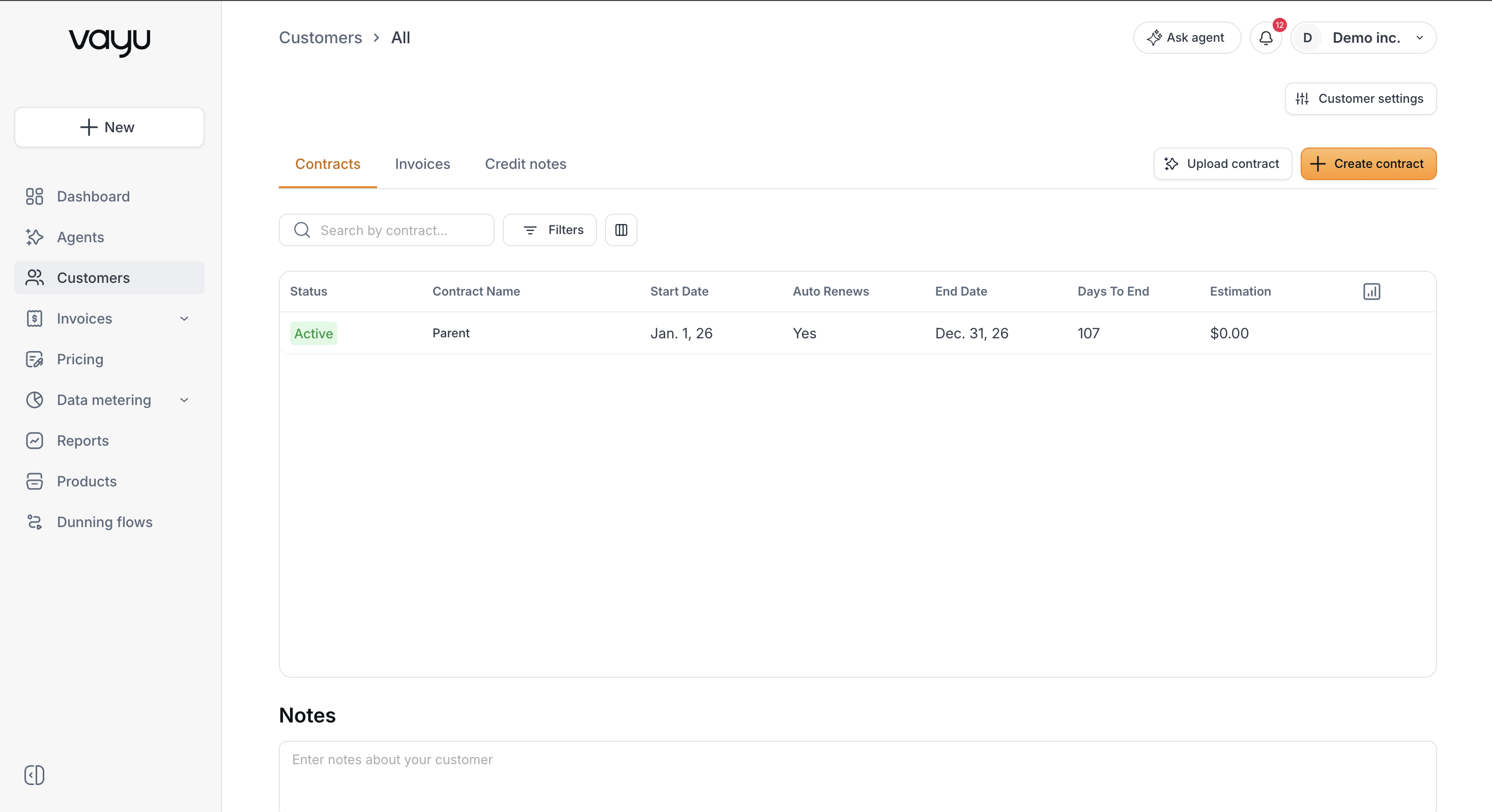
- Scroll down to the Advanced section, then to Related entities.
- Click + Add related entity. A window will appear. Select the customer you want to relate as a child, then choose the Relationship Type (one of the types described above). (You can add an unlimited number of entities).
- Click Confirm.
To edit an existing relationship — for example, to change its relationship type — go through the same steps above.