

Reports Overview
The Reports section provides a centralized view of billing, usage, and financial data.
Revenue Recognition
Vayu supports revenue reporting based on four recognition types: Point-in-Time, Milestones, Straight-Line, and Usage-Based. The selected type determines how revenue is distributed across reporting periods.
Use the Revenue Waterfall to review recognized and remaining revenue by period, customer, product, and contract. Use Journal Entries to review and export period-based debit and credit entries. The Monthly Closure Report supports invoice and billing reconciliation as part of your month-end process.
Vayu provides revenue schedules and reporting based on the configured recognition type. Your accounting team remains responsible for selecting the appropriate treatment and applying your organization's accounting policies.
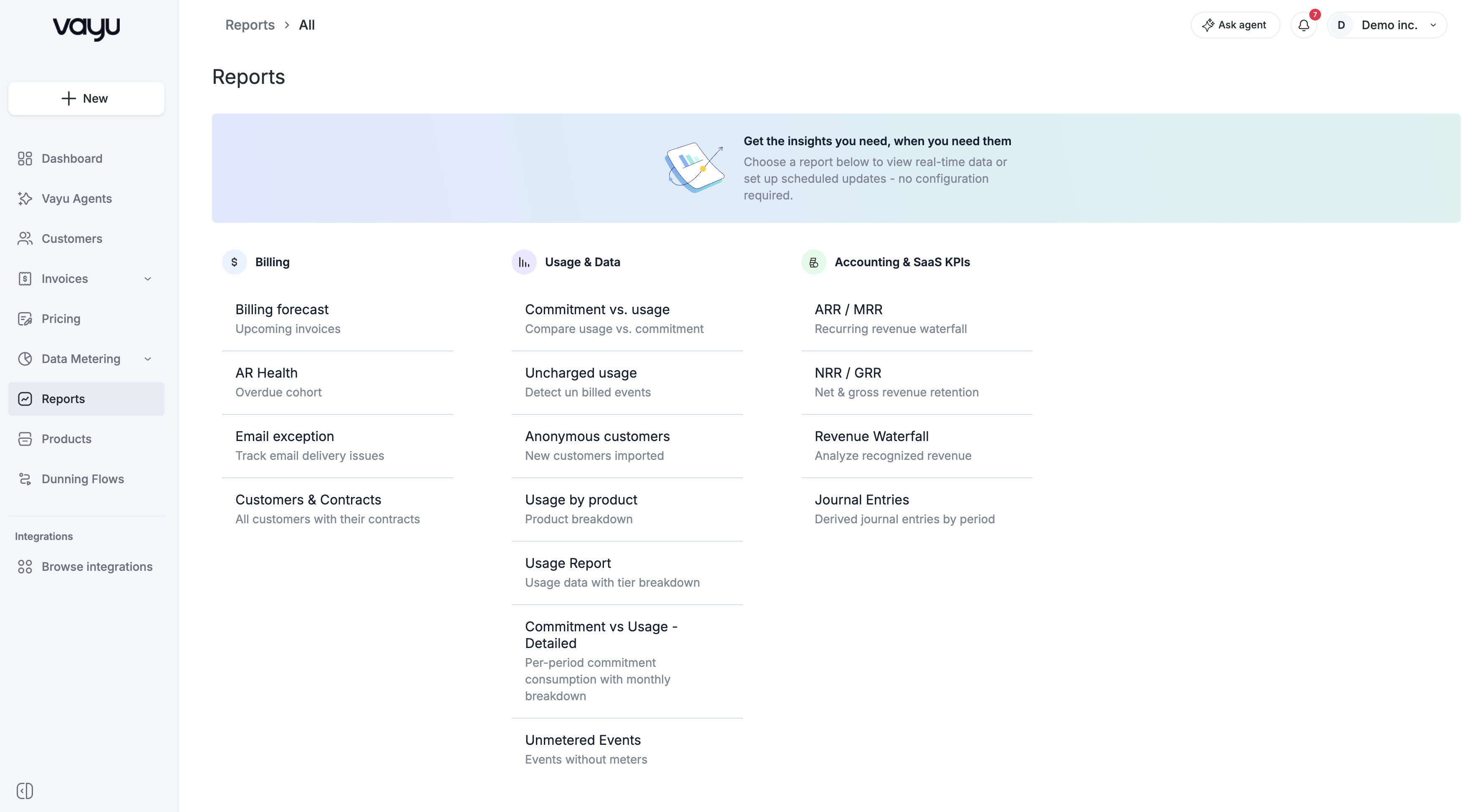
Reports are organized into three main categories: Billing, Usage & Data, and Accounting.
Billing
Billing reports focus on invoices, collections, and customer-level billing data.
- Billing Forecast Report - View upcoming invoice totals before invoices are issued.
- AR Health - Track overdue invoices using aging buckets.
- Email Exception Report - Monitor email delivery issues related to billing communications.
- Customers and Contracts - Review customer and contract information in one report.
Usage & Data
Usage & Data reports provide visibility into customer consumption and metering outcomes.
- Commitment vs. Usage - Compare actual usage against contractual commitments.
- Commitment vs. Usage Detailed - Review commitment usage with additional columns.
- Uncharged Usage - Review usage that was not charged.
- Unmetered Events - Review events that were not metered.
- Anonymous Customers - Review anonymous customer records.
- Usage by Product - Break down usage by product.
- Usage Report - View usage aggregated by customer, contract, product, and tier.
Accounting
Accounting reports are designed to support financial reporting and reconciliation workflows.
- ARR/MRR Report - Track recurring revenue performance over time.
- NRR/GRR Report - Measure net and gross revenue retention.
- Revenue Analysis - Analyze recognized revenue across customers and time periods.
- Journal Entries - Review debit and credit records for transaction movements.
Using Reports
To view a report, navigate to Reports from the left-hand menu and select the report you want to open.