

Managing Customers
Update, review, and remove customer records through the UI and API
Use the Customers page to review existing customer records, open customer profiles, update settings, manage account relationships, and remove customers when needed.
For instructions on adding a new customer, see Adding a Customer. For customer list behavior, table columns, and filters, see Customer Overview. For CSV exports, see Exporting Customer Data.
Updating Customers
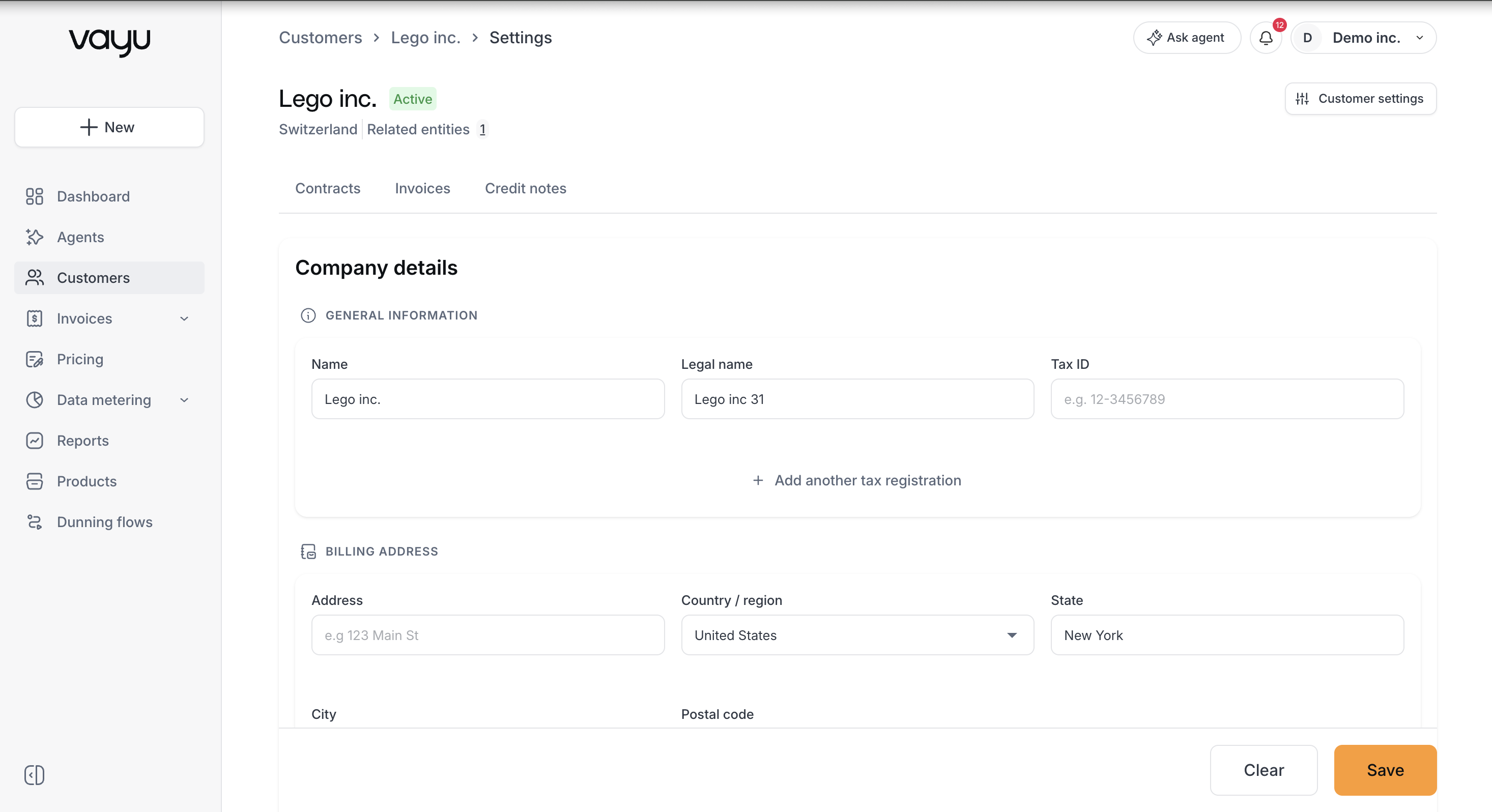
To update an existing customer in the UI:
- Navigate to Customers.
- Select the customer from the table.
- Open the Settings tab.
- Modify the fields you need to update.
- Save your changes.
Customer settings include account details, billing configuration, payment configuration, aliases, and other editable fields available on the customer profile.
Custom fields are managed from the appropriate configuration area and can be populated on customer records after the relevant fields exist. They are not filled in as part of the initial create-customer form.
Updating Customers Through the API
Use the PUT /customers/{customerId} endpoint to update customer records programmatically.
{
  "name": "Updated Company Name",
  "dueDays": "NET_45"
}
Managing Customer Relationships
Vayu supports relationships between customer records, allowing teams to associate related entities with a parent account for billing, usage, and reporting workflows.
These relationships are managed from the parent customer record, not by selecting a Parent Customer field on the child customer. For the current workflow, see Related Entities.
Searching and Filtering Customers
The Customers page includes search and filtering tools for locating customer records.
Use the global search field to find customers by searchable customer attributes, such as customer name. Search does not match parent or child entity names through hierarchy relationships.
Use Filters to narrow the customer list with structured conditions. Available filters can vary based on the customer fields and configuration available in your environment. Common filters include status, address fields, country, state, city, postal code, subsidiary, manual review, and parent customer.
Multiple filter conditions can be combined to narrow the result set. Filters can be removed individually or cleared entirely.
Deleting Customers
Customers can be deleted from the UI when deletion is allowed for that record. In the customer table, open the row action menu for the customer and select the delete option. Deletion may be blocked when the customer has active contracts or other records that prevent removal.
Deleting a customer is permanent and can affect associated records, reporting, and audit history. Review the customer record and related activity before deleting it.
Deleting Customers Through the API
Use the DELETE /customers/{customerId} endpoint to remove a customer programmatically.
DELETE /customers/{customerId}API Reference
For complete API documentation, see: