

GuidesSettings
General
To reach Settings, click the dropdown under your company name in the upper righthand corner, then select Settings.
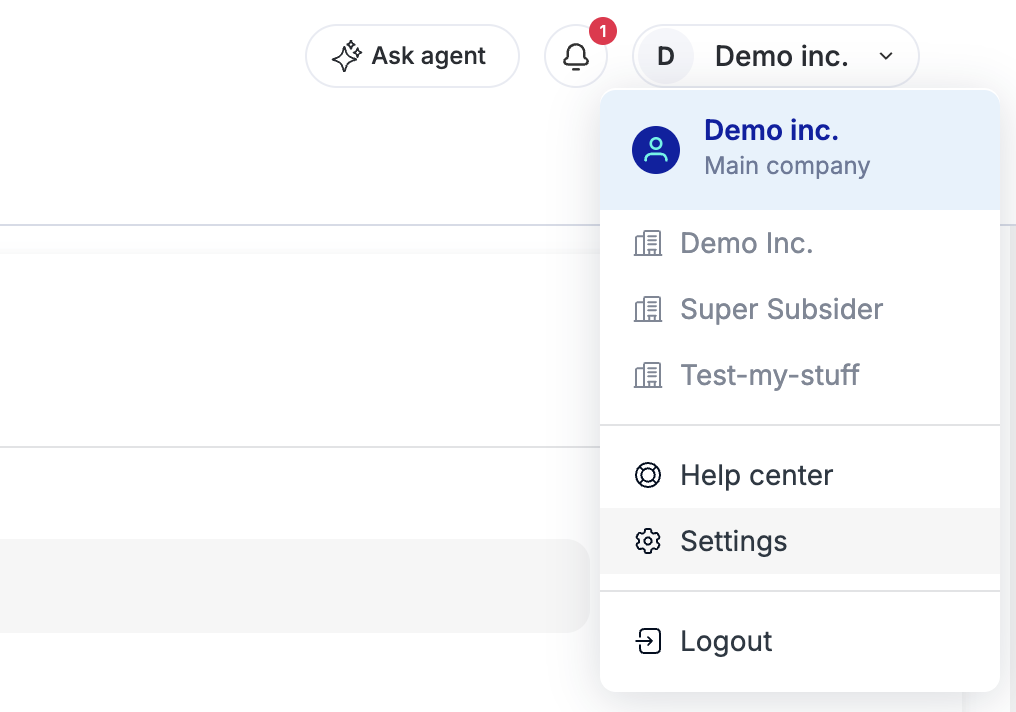
This is where you can enter your company's main details:
- Company name
- Main contact
- Upload a company logo (PNG format)
- Full address
- Tax ID
- Bank information
- Bank name
- Bank address
- IBAN (routing) number
- Swift code
- Account number
- ABA
Once done, hit the blue Save button in the upper righthand corner of the page.