

Customer page
Review a customer's contracts, invoices, payments, credit notes, usage, notes, and account summary.
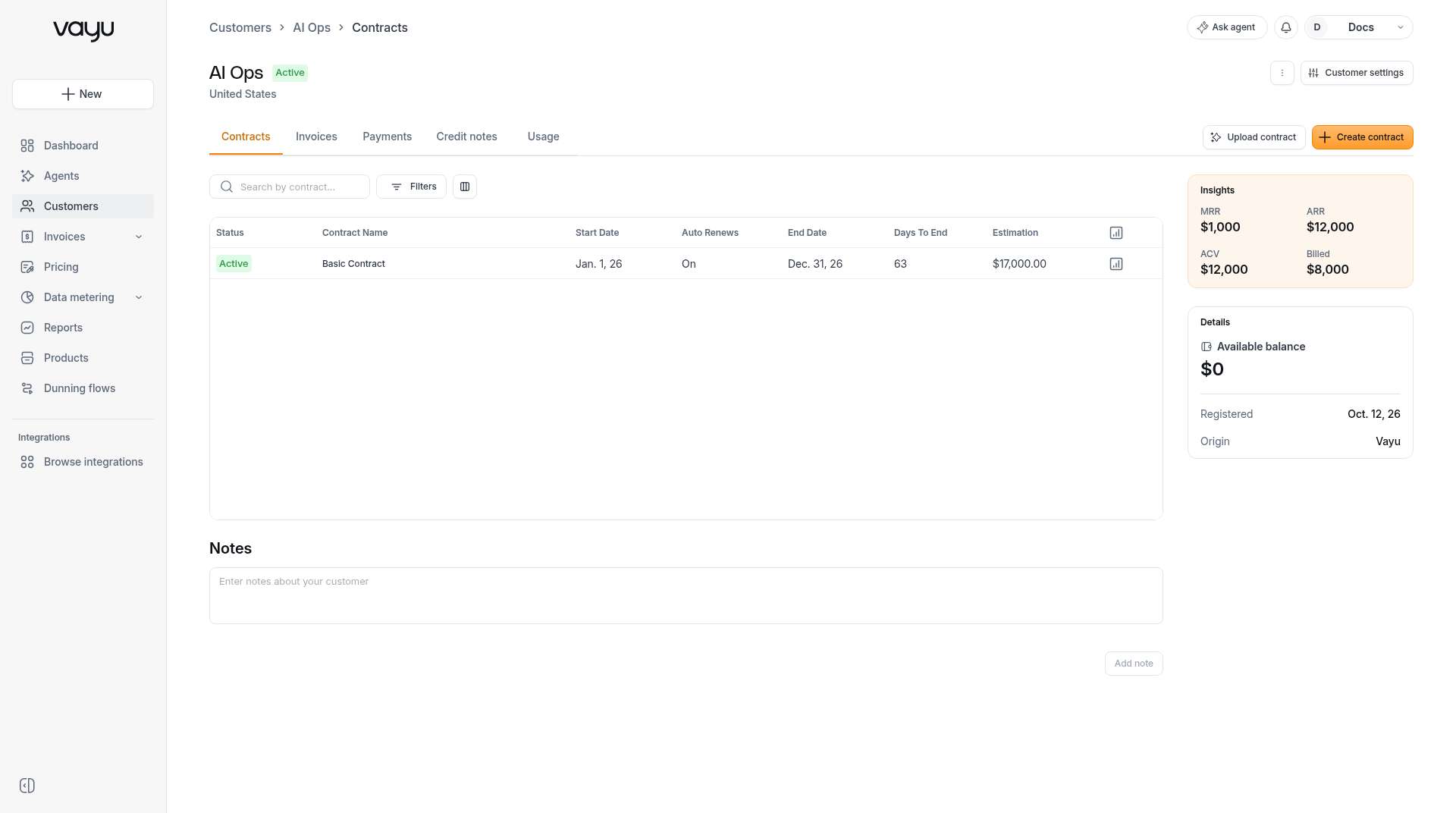
Open a customer from the Customers list to view that customer's page. The page shows the customer name and status, tabs for contracts and billing, a notes area, and summary cards.
To update a customer, see Managing Customers.
Header
The breadcrumb is Customers > the customer name > the current tab.
The header shows the customer name, a status badge (for example, Active), and the customer's country.
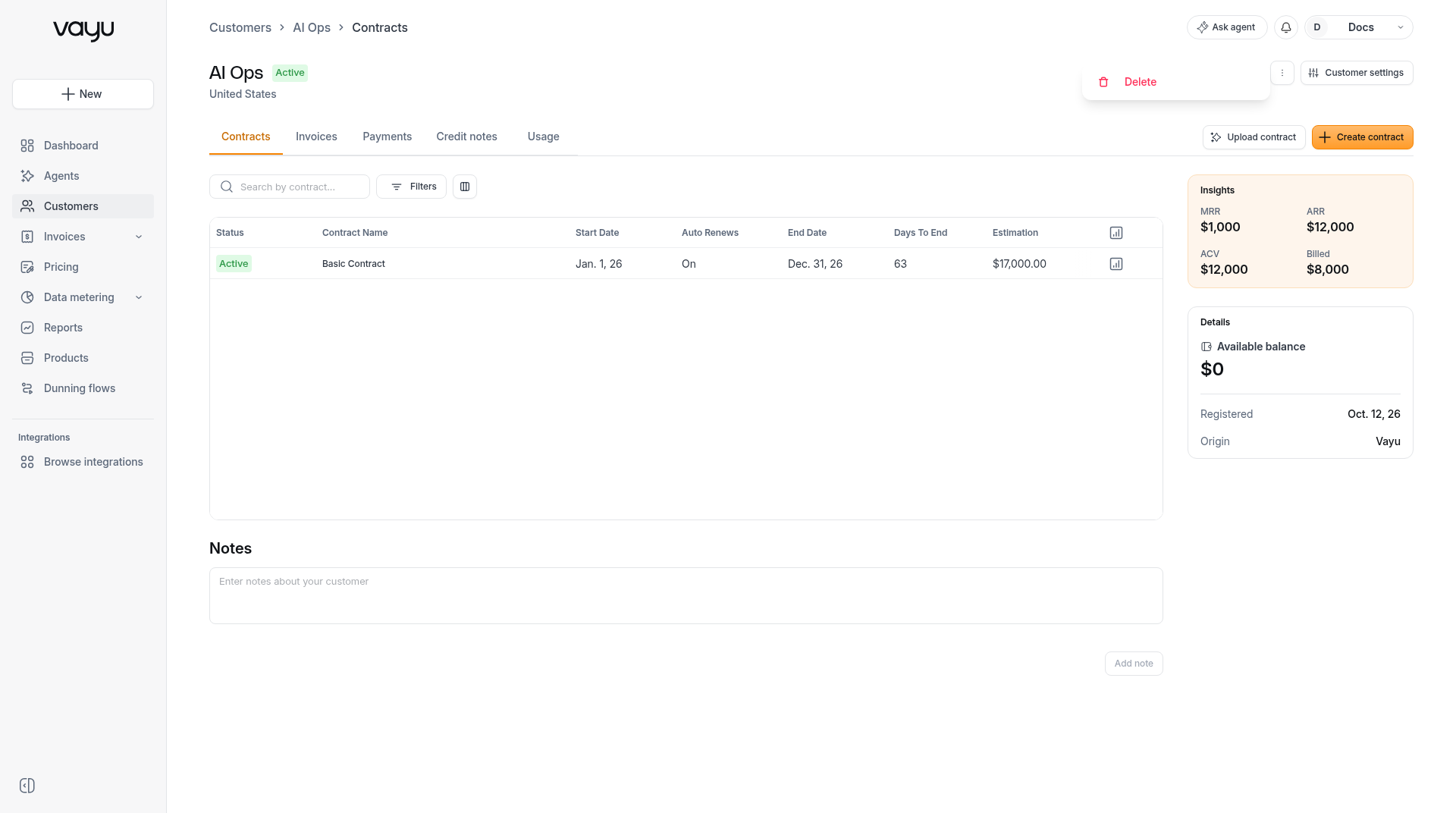
⋮ opens the Customer menu. The menu includes Delete. Delete is disabled when the customer has approved invoices.
Customer settings opens settings for this customer. Settings includes Company details, Configuration, and Advanced.
Tabs
The customer page has five tabs: Contracts, Invoices, Payments, Credit notes, and Usage.
Contracts
The Contracts tab includes Upload contract and Create contract.
Above the table there is a search box with the placeholder Search by contract..., Filters, and column settings.
The table columns are:
- Status
- Contract Name
- Start Date
- Auto Renews
- End Date
- Days To End
- Estimation
Each row includes View usage and a ⋮ actions menu.
For contracts, see Plan Templates and Customer Contracts and Contract Lifecycle. Upload contract is covered in Contract Intake.
Invoices
The Invoices tab includes Create invoice.
See Invoices Overview.
Credit notes
See Credits.
Usage
See Usage.
Notes
Notes includes a field with the placeholder Enter notes about your customer and an Add note button. Add note is disabled while the field is empty.
Right column
Insights
The Insights card shows MRR, ARR, ACV, and Billed.
Details
The Details card shows Available balance, Registered, and Origin.
Available balance is shown in the customer's currency. If some of the customer's credits are in another currency, for example a credit note issued in EUR for a customer billed in ILS, Vayu converts those balances to the customer's currency at the latest exchange rate and adds them up.
Select Available balance to open the customer's credit entries. Each entry's credit and debit amounts are shown in that entry's own currency, without conversion.